Key Studio by nyan Real
Key Studio
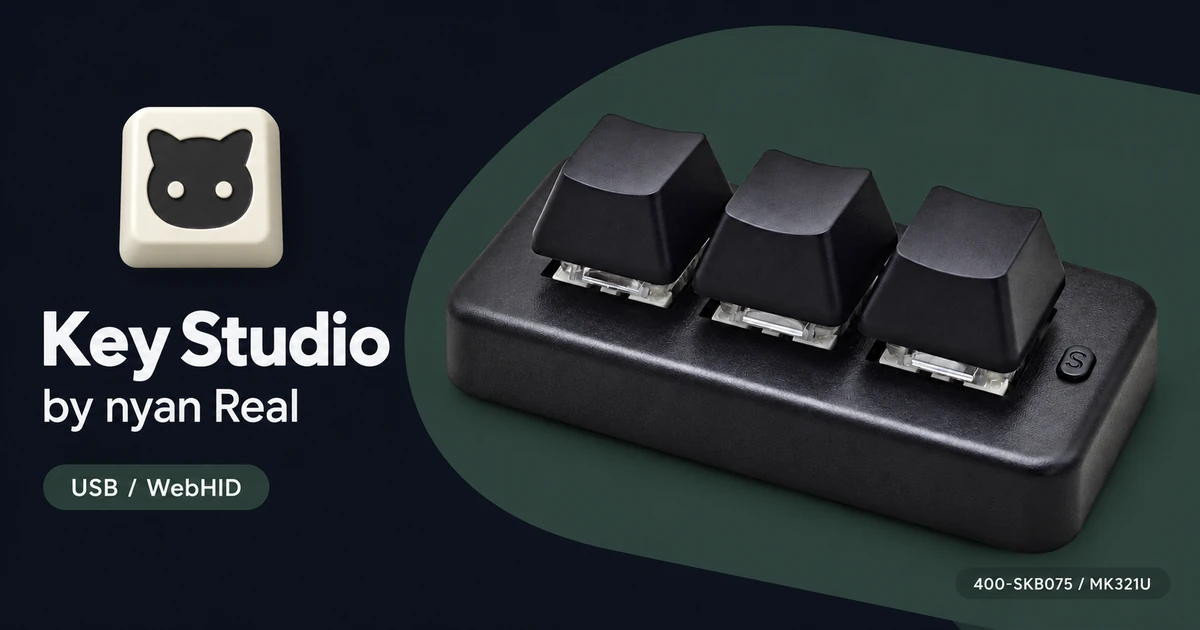
Connect a supported SANWA / PCsensor keyboard or foot switch over USB and change its key or pedal assignments in your browser. No installation is required.
Introduction and development story (Japanese)
Requirements and supported devices
Use desktop Chrome or Edge with a supported device connected over USB. Bluetooth models also need a USB connection for configuration.
The interface supports Japanese and English. The initial language follows your browser preference, and you can change it with “Language” in the sidebar.
Supported devices include the 400-SKB075, MK321BT and 400-MA214BK. The tool's welcome screen lists per-model features and verification status.
Features
- Assign keyboard actions, mouse actions, text or media controls to each key or pedal.
- Configure LEDs and add or remove layers on supported devices.
- Export and import settings files.
Available features depend on the model and firmware. DEMO mode lets you try the interface without connecting a device.
Getting started
- Select your device with “Connect device” and read its current settings.
- Select a key or pedal and edit its assignment.
- Save your changes with “Write to device”.
Settings are read and written directly between your browser and the device over USB. Your settings data is not sent to a server.
Bug reports and support
Use the Key Studio form on GitHub Issues for bugs, usage questions, device compatibility reports and feature requests. Include your device model, firmware if known, OS and browser, and a description of what happened.
A GitHub account is required. Reports and attachments are public, so do not include private information, such as text stored in your key assignments.